
Building proposals
Templates & themes
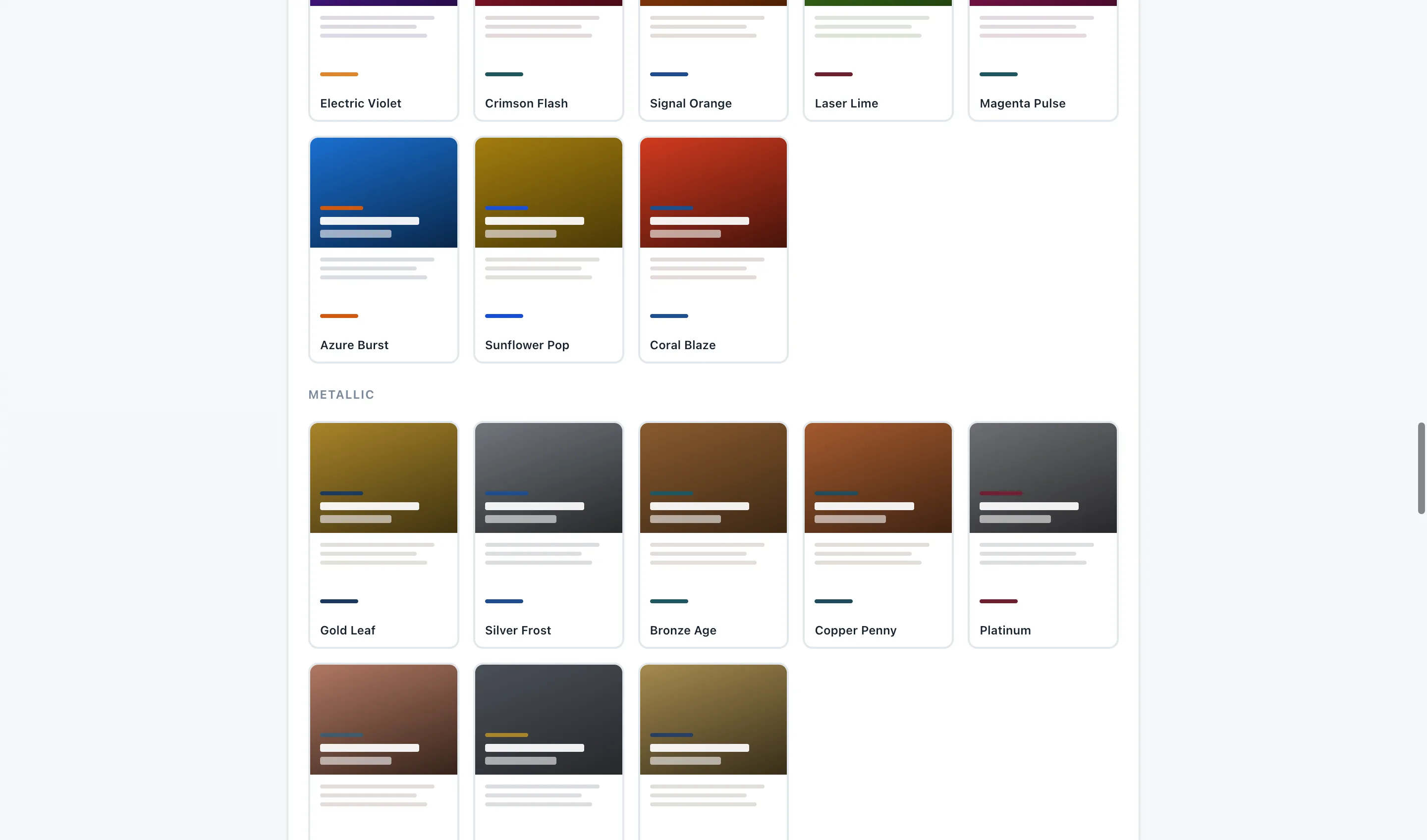
Bidas separates layout from color. Fifty distinct templates control the structure and typography of your document; 100 named color themes re-skin any of them. Every theme is verified against every template — you can switch either at any time without breaking the document.
Fifty templates, not five reskinned
- Executive — restrained, generous whitespace, serif accents. Suits financial services and consulting.
- Modern Grid — structured cards and strong alignment. Suits IT services and MSPs.
- Classic Letterhead — a traditional business letter elevated to a full document. Suits established firms.
- Bold — large type and heavy color blocking. Suits construction and trades that want presence.
- Compact — dense and efficient, more content per page. Suits long scopes and recurring-service schedules.
Those five are just a starting sample — the full library runs from editorial and brutalist to menucard and terminal, forty-five more distinct layouts beyond them. Every one is a complete multi-page document — cover, leadership letter, credentials, numbered scope cards, investment summary, terms, signature page, thank-you closer — not a single page with a header attached.
Themes
Themes are named palettes: Corporate Navy, Forest, Burgundy, Charcoal Gold, Terracotta, and 95 more. A theme sets the cover treatment, heading colors, table accents, and the signature page. You can switch themes per proposal — run Forest for your janitorial clients and Charcoal Gold for a real-estate prospect, inside the same business.
Industry seeds
Your market choice at onboarding pre-loads a catalog of real services, a terms pack, a sample leadership letter, and a demo proposal — so the first document you open already reads like your industry wrote it. Everything seeded is editable; nothing is locked.
Free vs Pro
Every theme ships on both tiers. Templates are split: the free tier includes 13 of the 50, and Pro unlocks all 50. Pro also adds custom logo upload and removes the “Made with Bidas” footer badge.