Start here
Getting started
Bidas is a desktop app for macOS and Windows. This guide takes you from download to your first sent proposal. You need a connection for first-run sign-in — after that, the app works fully offline.
Install
- macOS: download the .dmg, drag Bidas to Applications, and launch. Requires macOS 12 or later; Apple Silicon and Intel are both supported.
- Windows: download the .exe installer and run it. Requires Windows 10 or later, 64-bit.
The installer is under 150 MB and cold start is under three seconds. Bidas updates itself automatically in the background — you never download a fresh installer for updates.
Create your account
Bidas asks for an account the first time it runs. Choose an email address and a password (at least 8 characters), then enter the 6-digit code we email you to confirm the inbox is yours. The account is free, and it protects your data: it powers sync backup, hosted proposal links, license activation, and license restore-by-email.
The first-run wizard
After verification, a six-step wizard sets up your first business:
- Market — pick from seven industries, from Cleaning & Janitorial to Consulting. Your choice seeds a service catalog, a terms pack, and sample content.
- Theme — choose a template family and one of 36 color themes.
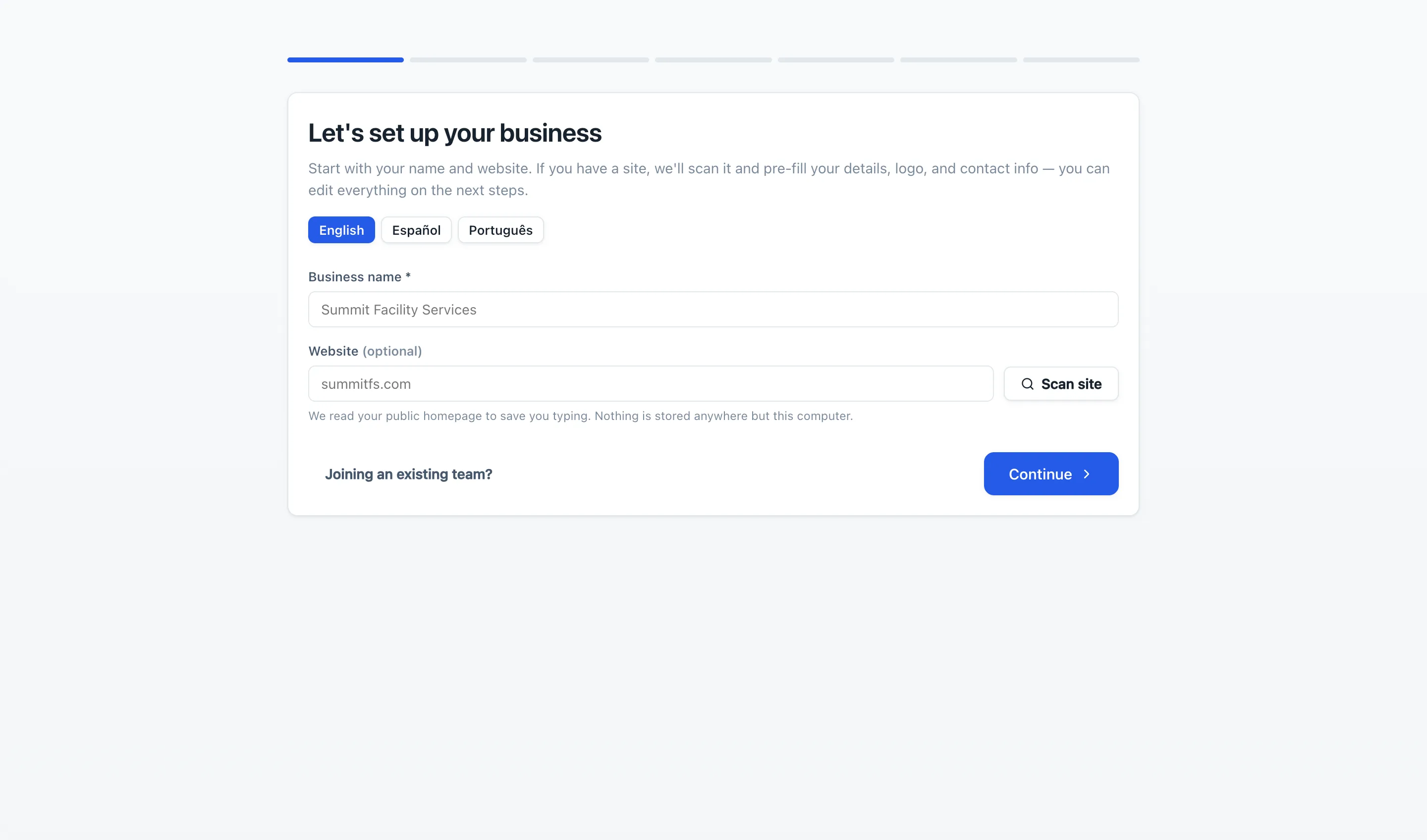
- Company profile — name, contacts, address, logo. The optional website scan can pre-fill this from your public homepage.
- About — your company story, with optional AI assist.
- Service catalog — the line items you sell, with default prices.
- Terms — payment, validity, and scheduling terms.
The wizard takes about five minutes and saves after every step. If you close it, it resumes exactly where you left off. Joining an existing team instead? Choose “Joining an existing team?” and paste the access token your owner gave you.
Your first proposal
Finish the wizard and Bidas opens a demo proposal from your industry pack so you can see a finished document. Duplicate it, swap in your client, and send — the free tier includes three proposals a month, no credit card required.