Account & data
Sync, teams & multiple businesses
Bidas is local-first: your data lives in a SQLite database on your machine (write-ahead logged for crash safety), and every feature works offline. Sync exists to back you up, connect your devices, and power teams — never to hold your data hostage.
How sync works
Once you're signed in, Bidas syncs silently to api.bidas.app every five minutes, plus a debounced push 20 seconds after you stop making changes. Deletions sync as tombstones, so a proposal deleted on one machine stays deleted everywhere. Watch sync state in Settings — and export everything as JSON or delete your server copy at any time.
Teams
Create a company workspace and invite your team without sharing passwords:
- The owner creates a company and generates access tokens in the form
BIDAS-XXXX-XXXX-XXXX. Each token is shown once — copy it when it appears. - Team members install Bidas, choose “Joining an existing team?” during onboarding (or join later from Settings), and paste their token.
- The owner can revoke any token at any time; a revoked device stops syncing on its next check-in.
Everyone in the workspace works from the same clients, catalog, and proposals, merged automatically by sync.
Multiple businesses
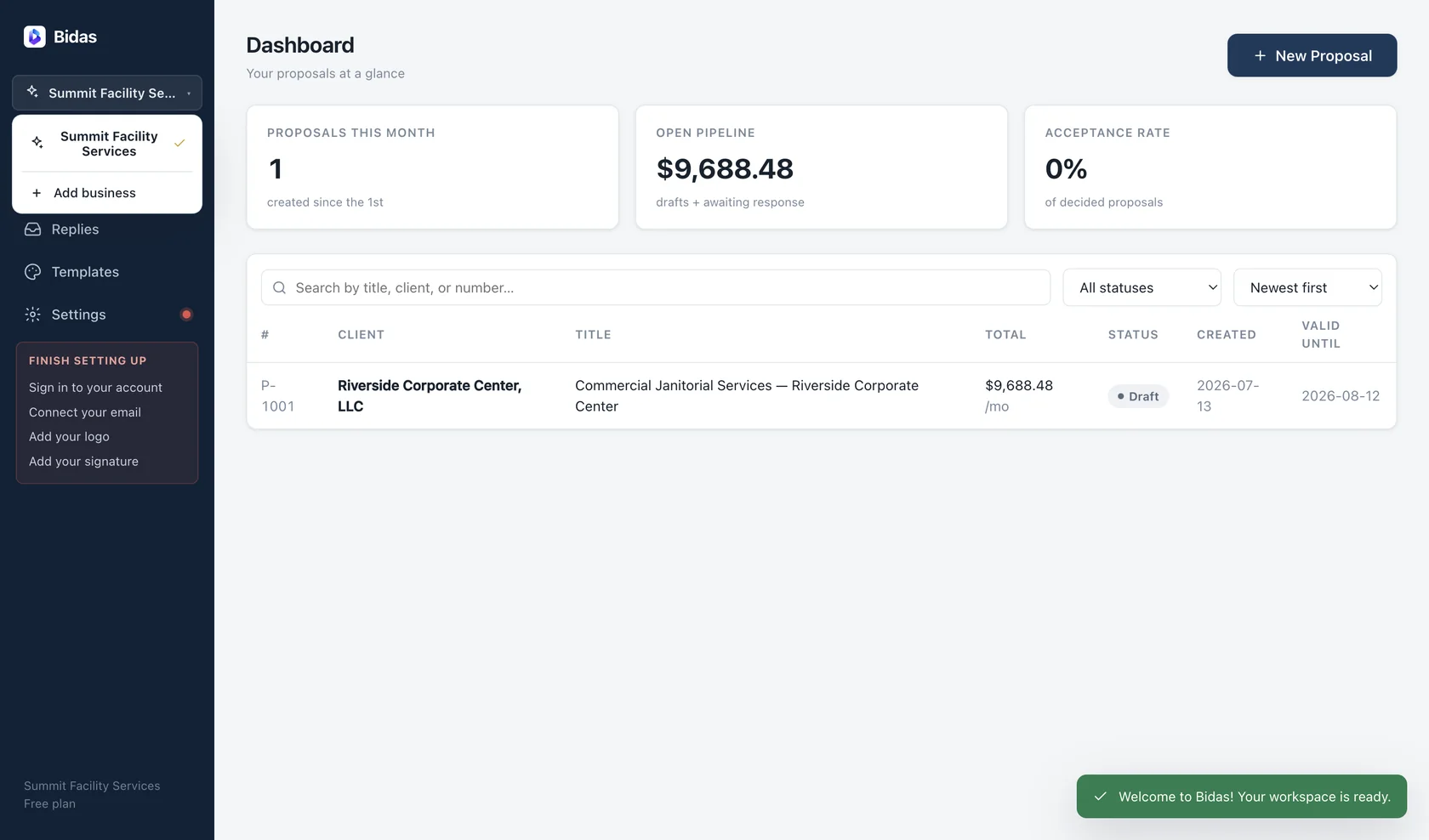
One install can run several businesses — a cleaning company and a consulting practice, say. Businesses are fully isolated: separate clients, catalogs, themes, and proposal numbering, each starting at P-1001. Switch between them from the business switcher; nothing leaks across.
What needs the network
Only four things: sync, hosted links, email delivery, and license activation. Everything else — building, pricing, PDF export — works with the cable unplugged.