
Sending & signing
Sending, hosted links & e-signature
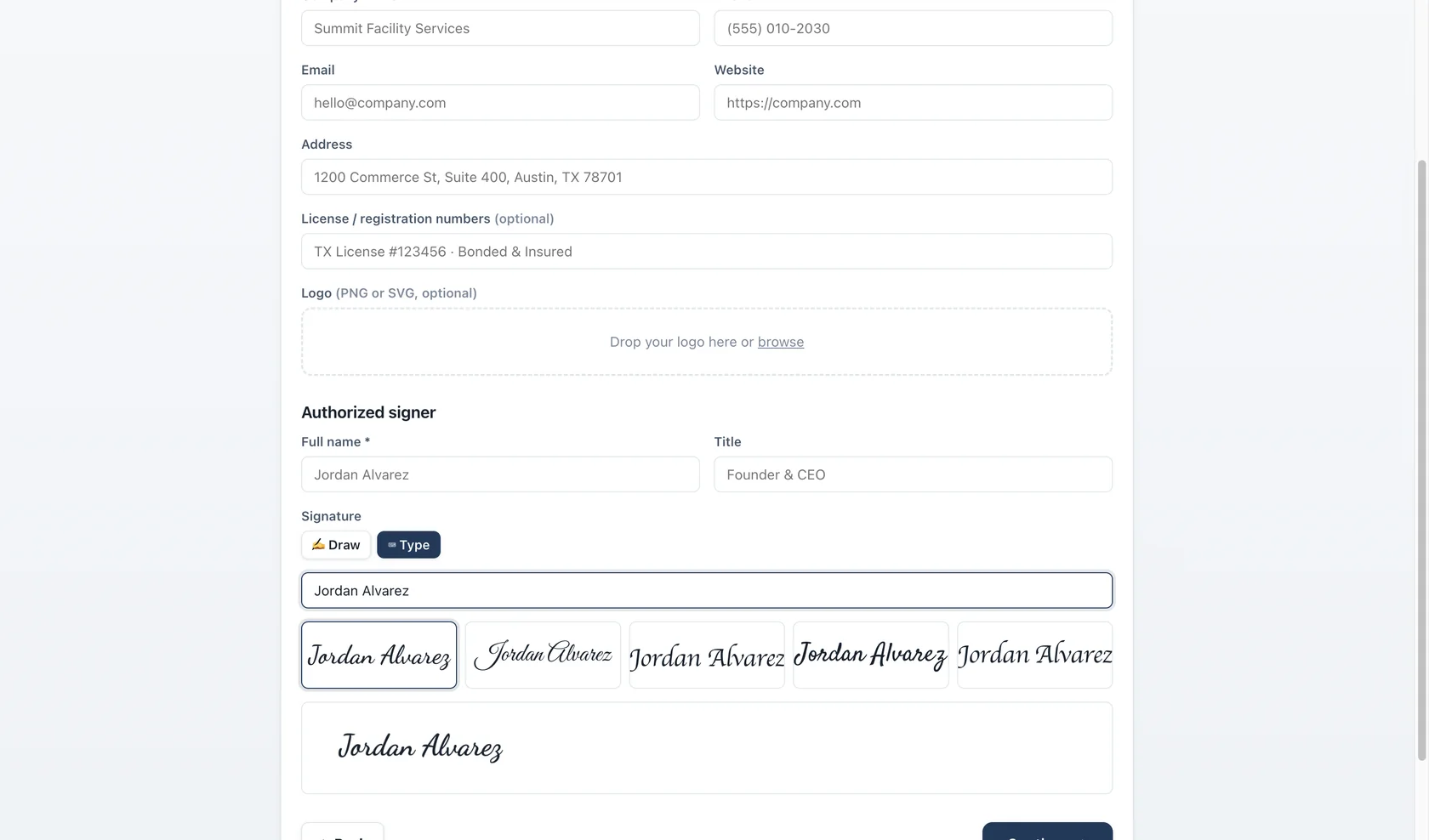
A finished proposal leaves Bidas two ways: as a print-perfect US Letter PDF, or as a hosted link with built-in e-signature. Use either, or both.
Hosted links
Send a proposal and Bidas publishes a responsive web version at a private /p/{token} URL on bidas.app. The page mirrors the PDF exactly, works in any phone or desktop browser, and carries two actions: Accept & Sign and Download PDF. Your client needs nothing installed and no account.
Accept & Sign
The signature step collects:
- A typed legal name
- A drawn signature (mouse, trackpad, or touch)
- Timestamp, IP address, and browser user agent
Together these form a legal audit trail attached to the proposal record — you can show exactly who signed, when, and from where. A decline records the same trail, so you know the decision was made, not lost.
Statuses
Every proposal moves through a tracked lifecycle:
- Draft — still in the builder.
- Sent — the link or PDF has gone out.
- Viewed — the client opened the hosted link. This is your follow-up signal.
- Accepted / Declined — a decision, with an audit trail.
- Expired — set automatically when the validity date passes.
Validity & expiry
Set a validity window per proposal — 30 days is the common default. When it lapses, the hosted link shows the proposal as expired and the status updates itself, quietly protecting you from clients accepting old pricing.
Plain PDF
Prefer attachments or print? Export the PDF at any time — it comes from the same rendering pipeline as the preview, page-for-page identical, ready for a signature by hand.