Start here
Onboarding & website scan
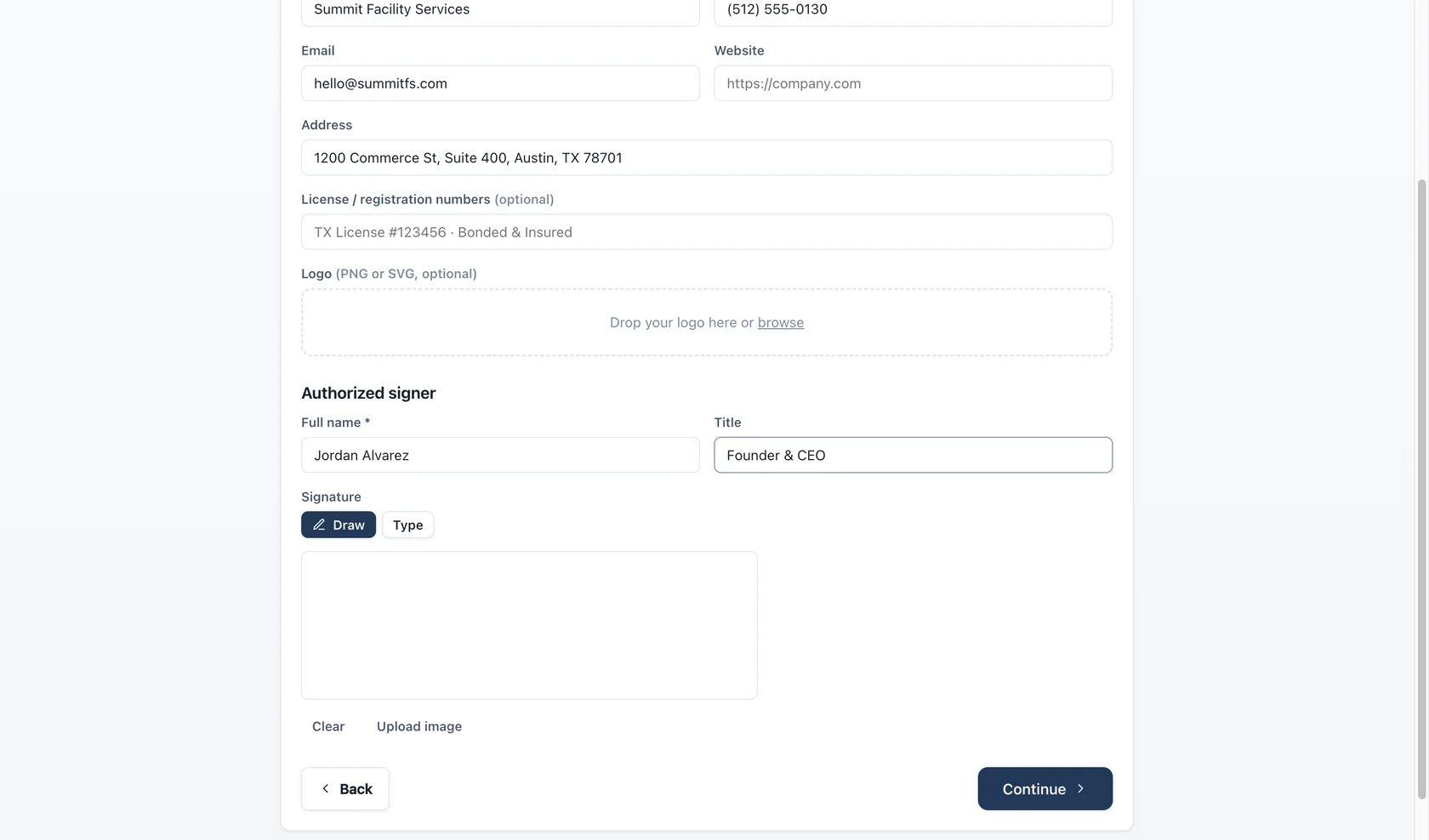
The onboarding wizard builds your business profile in six steps. Two of them deserve a closer look: the website scan and AI assist.
Website scan
Typing company details by hand is the slowest part of any setup. The website scan reads your public homepage and pre-fills:
- Company name and description
- Phone and email (from
tel:andmailto:links) - Street address
- Logo
The scan reads structured data your site already publishes — JSON-LD, Open Graph tags, and contact links. It looks only at the public page you point it at; nothing is crawled or stored beyond the fields it fills.
Results land in the form as suggestions for you to review and edit — the scan never overwrites anything silently. If it finds nothing, the wizard simply continues with empty fields. It is entirely optional: skip it and type everything yourself if you prefer.
The About step & AI assist
The About step asks a few plain questions — how long you've been in business, what you're known for, why clients pick you. If you enable AI assist (Settings → AI Assist, using your own Anthropic API key), Bidas drafts a three-paragraph leadership letter and a short credentials blurb from your answers. Both arrive as ordinary text you can rewrite freely, and AI assist is never required.
Resuming and revising
The wizard saves after every step. Close the app mid-setup and it reopens on the exact step you left. Once your business exists, everything the wizard set — profile, catalog, terms, theme — stays editable from the business settings, so onboarding is a starting point, not a one-way door.