Account & data
License, privacy & data export
Free & Pro
The free tier includes three proposals per month across all businesses, every template, every theme, and PDF export — with a “Made with Bidas” footer badge. Pro removes the limit and the badge, and adds hosted links with e-signature, cloud sync, team workspaces, and custom logo upload.
Activation
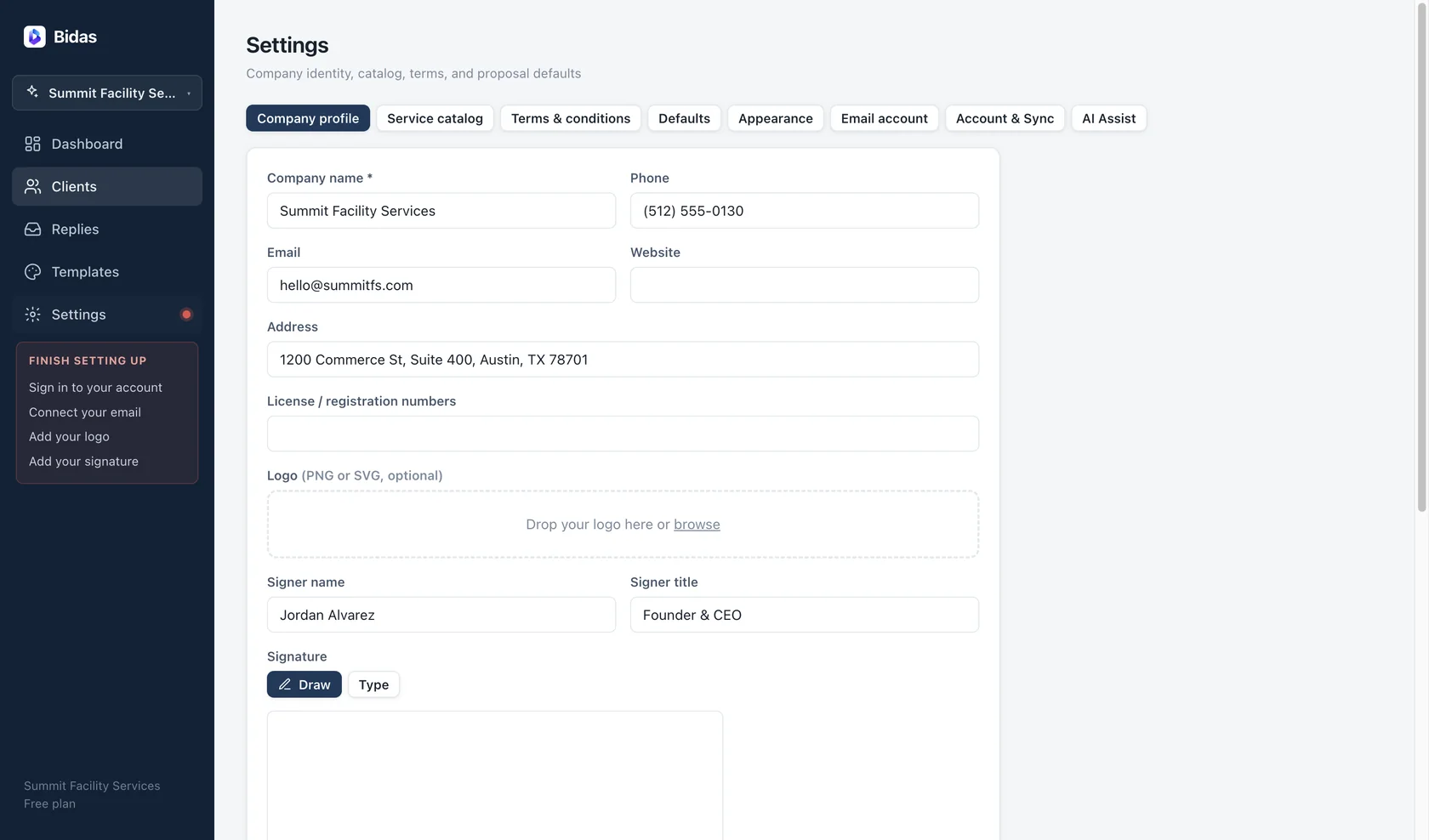
After purchase you receive a license key by email. Paste it into Settings → License and Bidas activates against our server — a one-time online check. Each key covers 2 devices.
Restore by email
New machine? You don't need the key. Choose restore-by-email in Settings → License and we email a verification code to the address that bought the license; entering it activates that device. Deactivate a device from the same screen to free its slot.
Your data
Bidas is local-first. The working copy of everything — clients, proposals, pricing, templates — lives in a SQLite database on your machine. If you sign in, records sync to api.bidas.app as a backup and to power hosted links and teams. Email credentials never sync; they stay in your OS keychain.
Signatures
Hosted e-signatures record a typed name, drawn signature, timestamp, IP address, and user agent — the audit trail that makes an acceptance enforceable. This data is part of the proposal record and is included in exports.
Export & deletion
Settings includes two no-questions controls:
- Export everything — a complete JSON dump of your account data.
- Delete server copy — removes your data from our servers. Local data on your devices is untouched; sync stops.
Questions about any of this: [email protected].