
Sending & signing
Email integration: SMTP/IMAP & OAuth
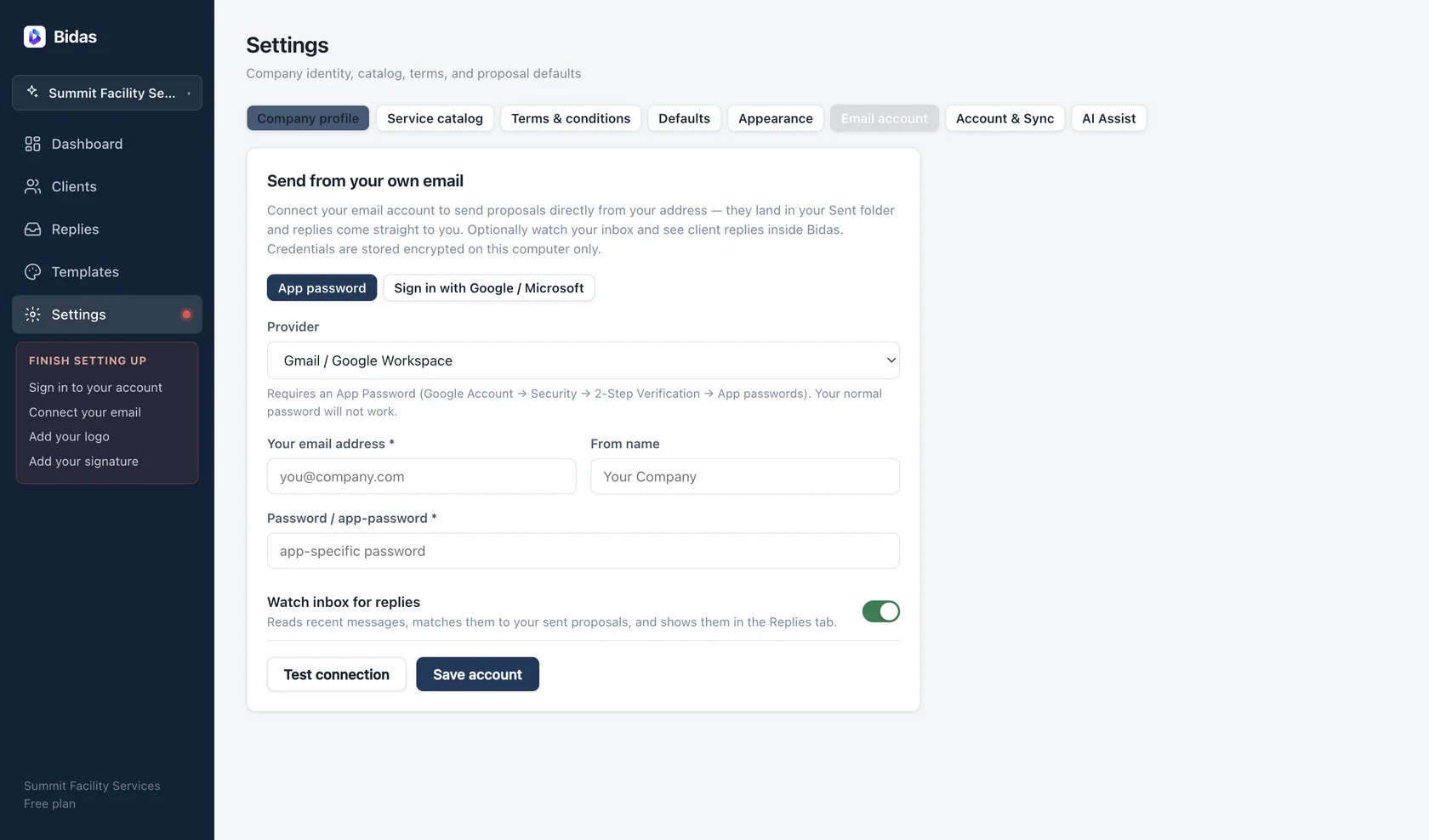
Bidas sends proposals from your own email address, so clients see a message from you — not from a noreply service. Replies land in your inbox, where they belong.
Two ways to connect
- OAuth (recommended): sign in with Google or Microsoft. Bidas uses XOAUTH2 and never sees or stores your password.
- SMTP/IMAP: enter server settings directly. Presets fill in hosts and ports for Gmail, Outlook, iCloud, Yahoo, Zoho, and Fastmail; a custom option covers everything else.
For providers that require app passwords — Gmail with two-factor auth, iCloud, Yahoo — generate one in your provider's security settings and paste it into Bidas. The Support page links each provider's app-password instructions.
Where credentials live
Passwords and OAuth tokens are stored in your operating system's keychain — encrypted at rest, and outside the Bidas database entirely. They never sync to our servers.
Sending
When you send a proposal, Bidas composes the email with your subject and message, attaches the PDF or includes the hosted link, and delivers it through your account. The message appears in your own Sent folder like anything else you write.
Reply watch
The optional IMAP watch checks your inbox and matches client replies to the proposals they answer. Matched replies appear on the Replies page with an unread badge, so “did they respond?” stops requiring a search of your inbox. Reply watch is off by default; enable it per account in Settings.
Offline behavior
Email needs a connection, of course. If you send while offline, Bidas queues the message and delivers it when you're back — the proposal status flips to Sent only after actual delivery.