
Design
Why your proposals look homemade (and how to fix it in a day)
By the Bidas team · June 4, 2026 · 4 min read
A facilities director comparing three janitorial bids can't inspect your work before signing. What she can inspect is your documents — and she will treat a sloppy proposal as a preview of sloppy work. That's unfair, and it's also how the game is played. The good news: the things that make a proposal look homemade are a short, fixable list.
The six tells
- Default fonts. Calibri at 11pt says “I opened Word and typed.” So does Times New Roman at 12. Nobody chose those fonts; they just happened.
- A mistreated logo. Stretched to fit, pixelated from a screenshot, or floating with a white box behind it on a colored header.
- Walls of text. Paragraphs with no headings, no lists, no hierarchy — the reader's eye has nowhere to land.
- Pricing as prose. “We would charge $2,400 monthly for the above” buried mid-paragraph, or worse, a pasted screenshot of a spreadsheet.
- Broken pages. A table header orphaned at the bottom of a page, a section title alone above a page break, margins that drift from page to page.
- The filename.
proposal_final_FINAL2.docxarrives as an attachment and tells the client exactly how the sausage was made.
Why it happens
None of this is a character flaw. Word processors are writing tools, not document design tools — they hand you a blank page and fifty ways to go wrong, then make page breaks your problem. You're running a service business, not a design studio. The fix is not becoming a designer; it's refusing to start from a blank page ever again.
The one-day fix
Morning: pick a system, not a file
Choose a template with a locked structure — cover, letter, credentials, scope, pricing table, terms, signature — and commit to filling it in rather than laying anything out. Structure is where professionalism actually comes from. This is the entire premise of Bidas: five template families, each a complete multi-page document where the layout decisions are already made.
Midday: set your palette once
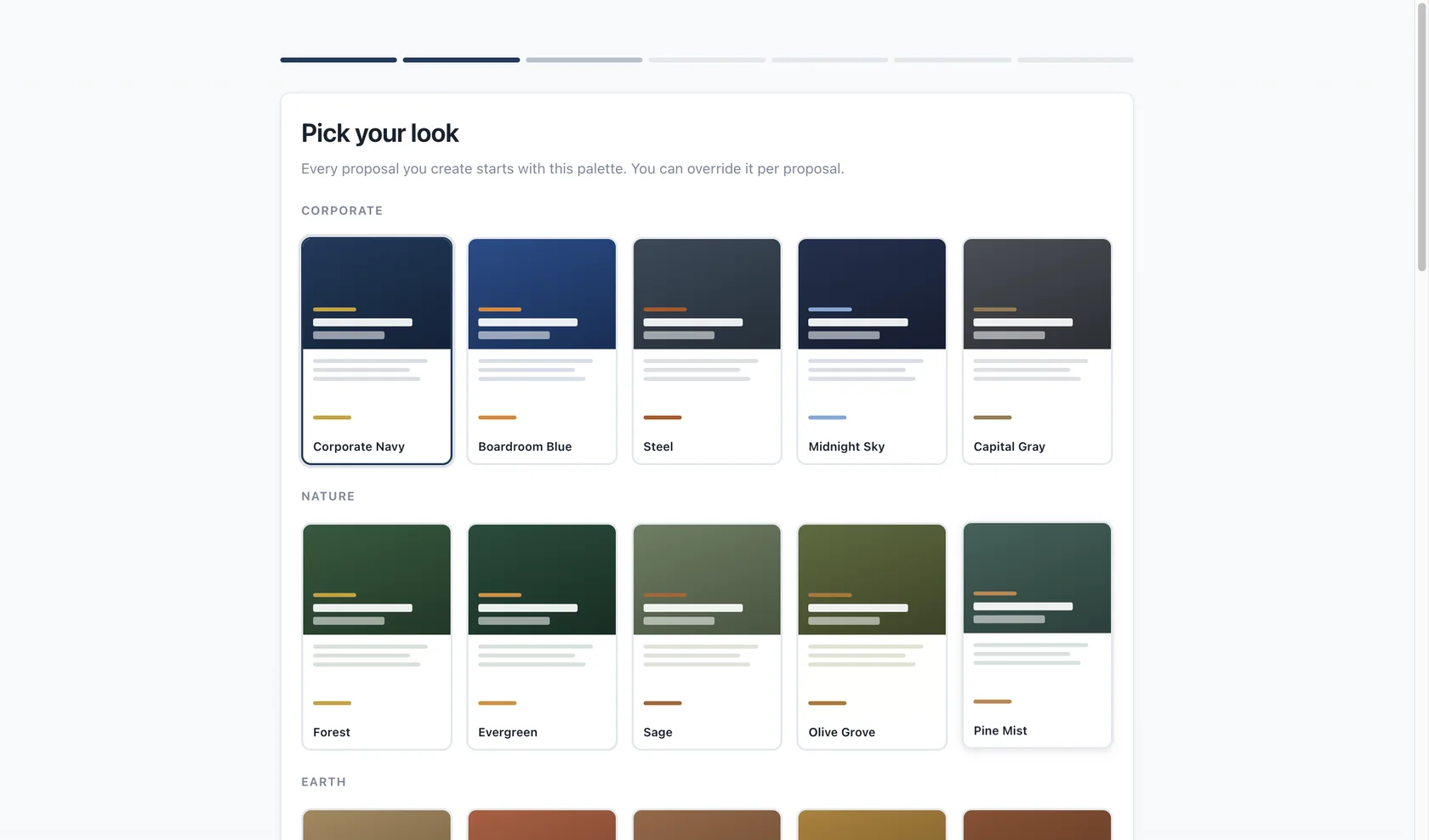
One accent color drawn from your logo, neutral dark text, one or two fonts at most. Save the combination and never revisit it. Thirty-six named themes in Bidas exist precisely so this decision takes minutes, and switching themes per proposal stays safe because every theme is verified against every template.
Afternoon: rebuild your pricing as a table
Take your last proposal and move every number into a line-item table: description, quantity, unit price, total. Add tax as its own row. Show any discount as a visible row too — it reads as generosity, not desperation. Then export to PDF and flip through it looking only at page breaks: no orphaned headings, no clipped tables, no section title stranded at the bottom of a page.
Save it as your starting point
The last step is the one that pays forever: keep that rebuilt proposal as the template for the next one. Duplicate it, swap the client, adjust the scope, send. Your second professional-looking proposal takes a tenth of the effort of the first — and by the fifth, the “homemade” version of your business no longer exists.
Put it to work on your next proposal
Bidas builds the structure, design, pricing math, and e-signature into one desktop app — free for your first three proposals each month.
Download free