
Sales process
From sent to signed: what happens after you hit send
By the Bidas team · July 16, 2026 · 4 min read
You spent an hour on the proposal, hit send, and now... nothing. This silence is where most service-business deals actually live or die — not in the pricing, and not in the pitch. What you do in the ten days after sending matters as much as what's in the document. The first step is knowing what you can see.
Attachments tell you nothing; links tell you something
A PDF attachment disappears into the client's inbox and gives you exactly zero information back. A hosted link flips that: your proposal moves through visible statuses — Sent, then Viewed, then Accepted or Declined. That single middle status changes follow-up from guesswork into timing. Bidas tracks this lifecycle for every hosted proposal, and sets Expired automatically when the validity date passes.
Reading the signals
Sent, but not viewed after two or three business days
The proposal hasn't been opened — which almost always means it landed while your contact was busy, not that it was rejected. Send one short nudge that assumes nothing: “Resending in case it slipped — happy to answer any questions.” No guilt, no “just bumping this to the top of your inbox” theatrics.
Viewed, but no decision within a day or two
This is the best signal in sales: they're reading. Your proposal may be circulating to a partner, a property owner, or a boss — internal discussion you can't see. Follow up with a question, not a push: “Anything unclear on scope or pricing?” Questions get replies; pressure gets delays.
Declined
A decline with a recorded timestamp is a gift: certainty. Reply the same day, thank them, and ask one question — “Was it price, timing, or scope?” You'll lose politely and learn something, or you'll discover the objection is one you can actually answer. Either way, you stopped spending follow-up energy on a dead deal.
Expired
When the validity window passes, the hosted link marks the proposal expired — which is protection, not failure. Old pricing can't be accepted against you, and you have a natural, pressure-free reason to re-engage: “That proposal expired Friday, but I'd be glad to refresh it.”
A follow-up cadence that works
- Day 2–3: first nudge if unopened; a question if viewed.
- Day 7: second touch — add something small, like a reference or a scheduling option, so the message carries value.
- Day 14: the graceful close: “I'll assume timing isn't right — the offer stands until the validity date.” Then stop.
Three touches without a response is the line. Beyond it you're not persistent; you're noise, and you're spending energy that belongs on the next proposal.
Make the yes a single step
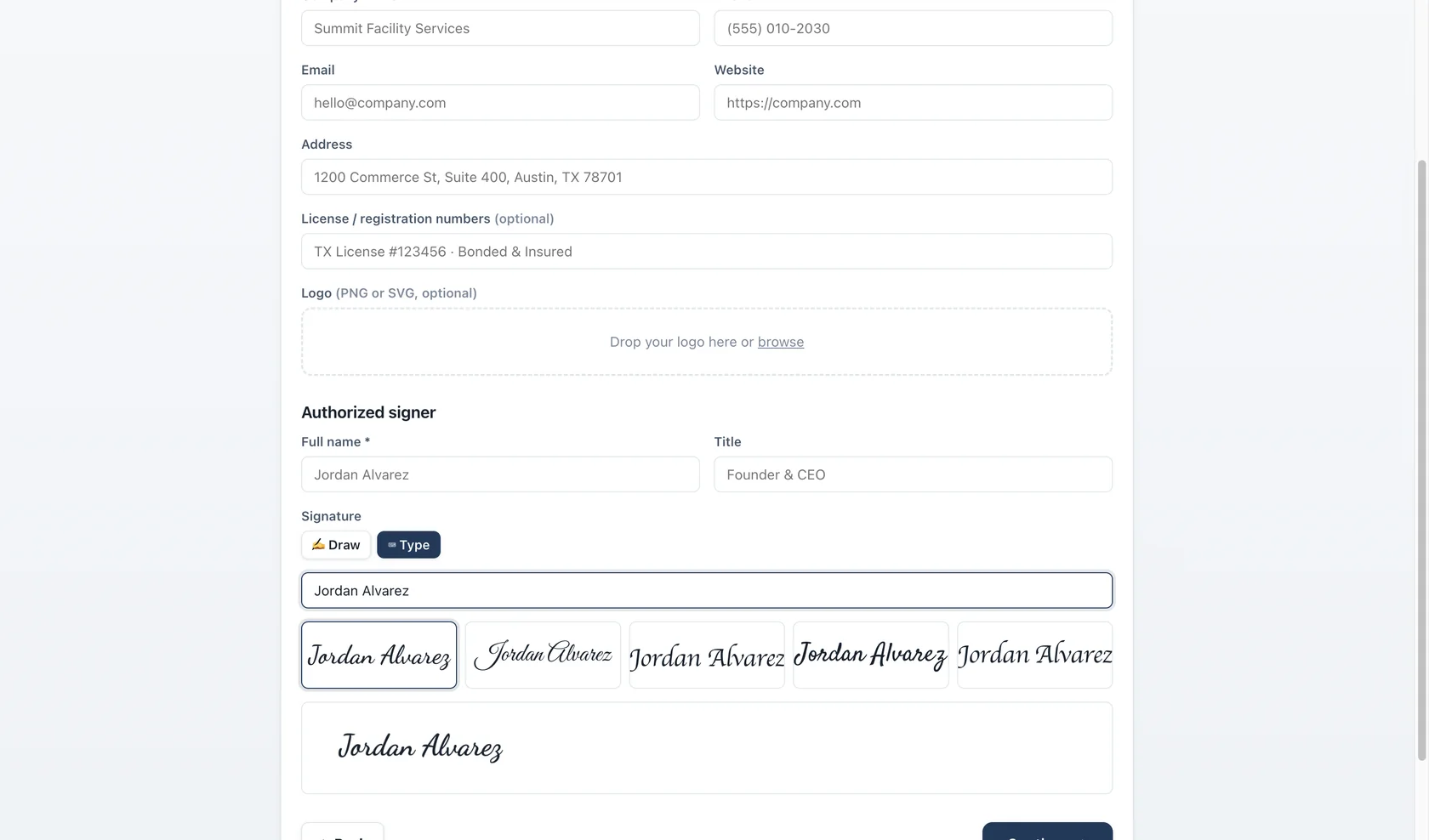
When the client is ready, the gap between “we want this” and a signed agreement should be minutes. Print-sign-scan loses days to printers and vacations. A hosted Accept & Sign step — typed legal name, drawn signature, recorded timestamp, IP address, and user agent — closes that gap and leaves a legal audit trail stronger than a scanned page. The easier you make the signature, the less time there is for second thoughts and competing bids.
After the signature
Confirm the same day: restate the start date and the first deliverable in one short message. The signed proposal is the end of the sale and the beginning of the account — and clients remember vendors whose follow-through is as tight as their follow-up.
Put it to work on your next proposal
Bidas builds the structure, design, pricing math, and e-signature into one desktop app — free for your first three proposals each month.
Download free